Cart
Your shopping cart is empty!
It's never too late to make things right :)



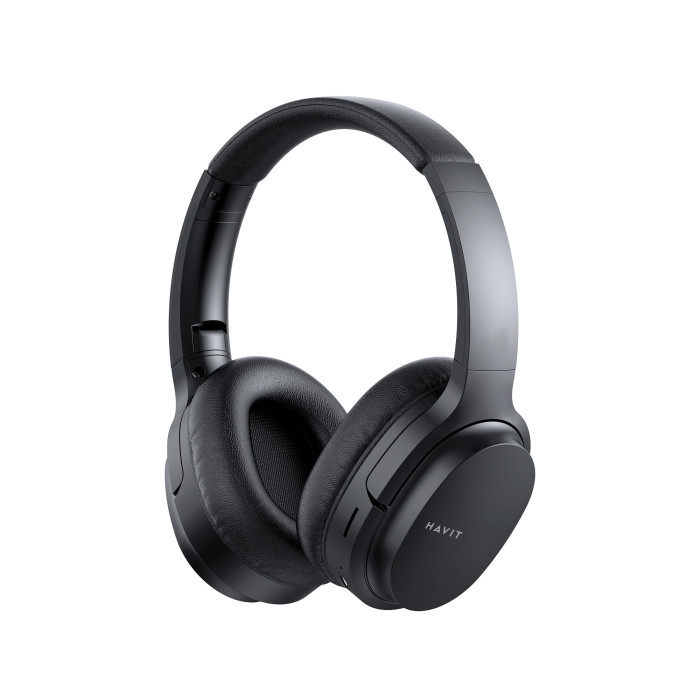
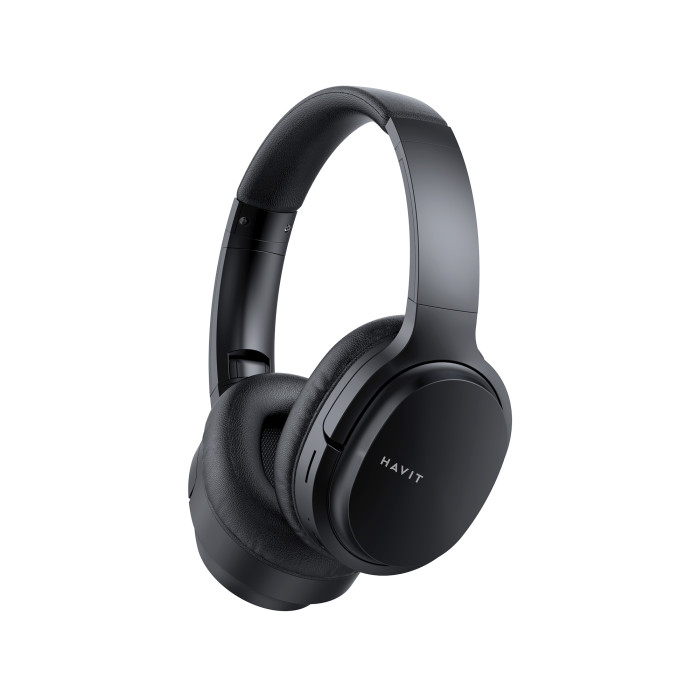
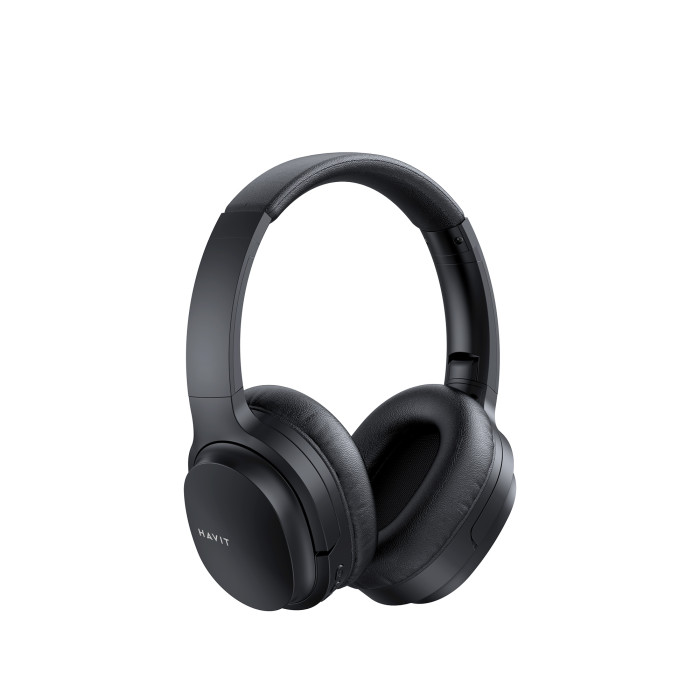
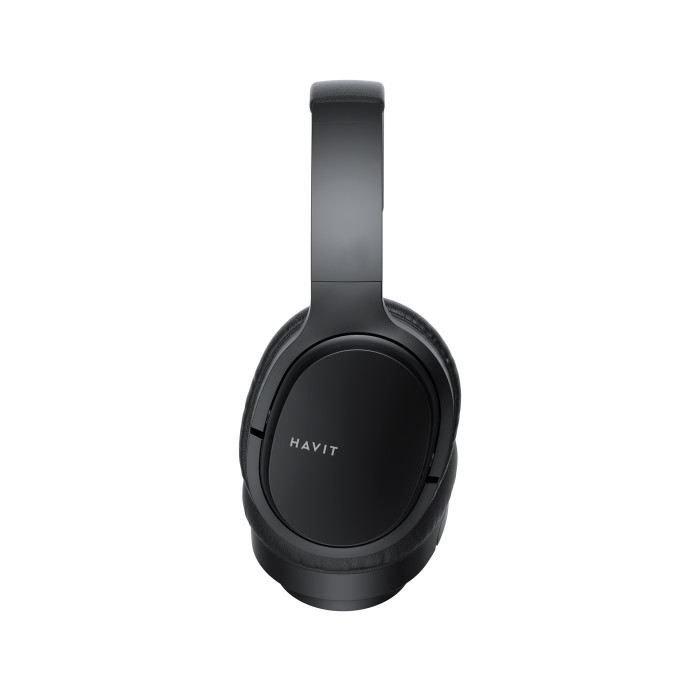
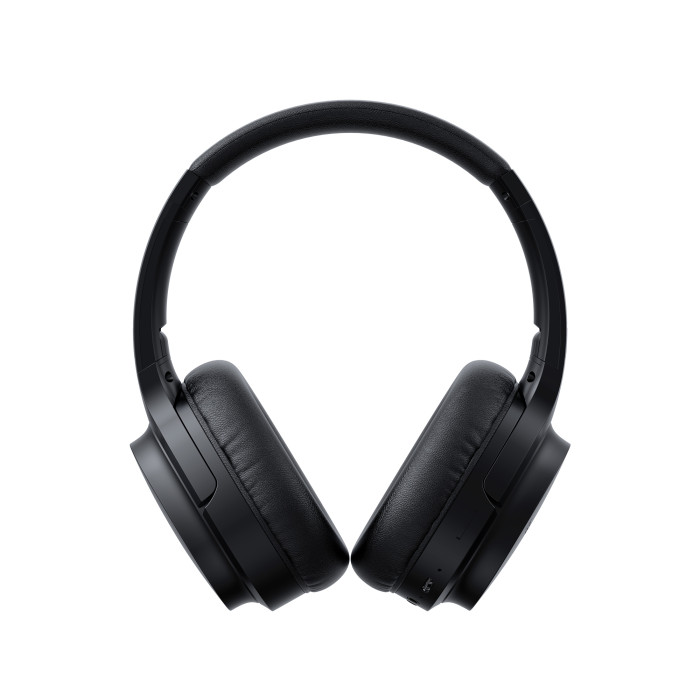

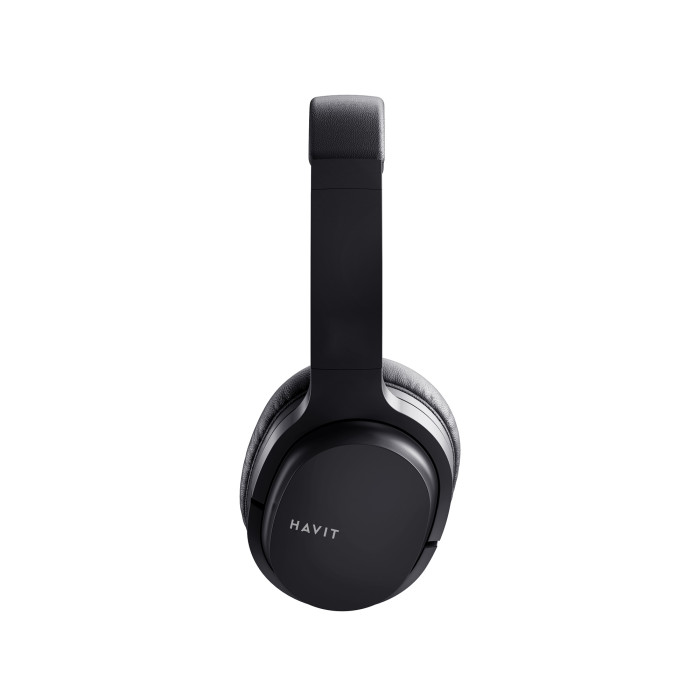
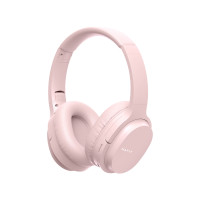


HAVIT HV-I62 Wireless and wired headphones. Convenient call management and long-lasting music listening.
Turning the headphones on and off
To turn the headphones on/off, press the "Power" button for a few seconds (3 sec) to turn them on or off (5 sec).
Making a wireless connection
To connect wirelessly, turn on the headphones; the LED indicator will flash blue and red alternately, indicating they are ready to connect. To connect wirelessly, turn on Bluetooth, search for devices ready to connect, and select "HAVIT I62." After a successful connection, the indicator lights up blue.
Call Management
To answer or end an incoming call, simply press the "Power" button once. To reject an incoming call, press and hold the "Power" button for 2 seconds. Double-pressing the "Power" button makes a call to the last number in the call log. Double-press the "M" button to activate the voice assistant.
Playback and Volume Adjustment
- To play/pause, briefly press the "Power" button.
- Long-pressing the "+" button skips to the next track+
. Adjust the volume upward.
- Long press the "-" button to return to the previous track.
- Short press the "-" button to adjust the volume downward.
Headphone operating modes
They operate in several modes: Bluetooth, as wired headphones (AUX), FM, and Micro SD.
Bluetooth mode
In wireless mode, they support calling a voice assistant, making calls using headphones (control buttons) without using the phone.
Micro SD mode
Insert the Micro SD memory card and briefly press the "M" button, The headphones will recognize the media and automatically stream MP3 music with voice prompts.
FM Mode
- Briefly press the "M" button to select FM mode;
- Briefly press the "Power" button to search for a channel;
- Press and hold the "-" and "+" buttons to select;
- Press the "-" or "+" buttons to adjust the volume.
Audio Cable
The headphones can be used as wired headphones by connecting them to the AUX cable jack, which allows them to be connected to your device as wired headphones. A useful feature when your headphones are running low but you still want to listen to music.
Charging the headphones
Charging is carried out using the USB-C cable included with the device and a compatible USB adapter (5V/1A). While charging, the LED indicator glows red. Once charging is complete, the indicator glows blue. Fully charge the device before first use. It takes 2.5 hours to charge for further use.
Battery life
- Up to 20 hours of continuous use (at 60% volume);
Warranty - 12 months.
There are no reviews for this product.