Cart
Your shopping cart is empty!
It's never too late to make things right :)



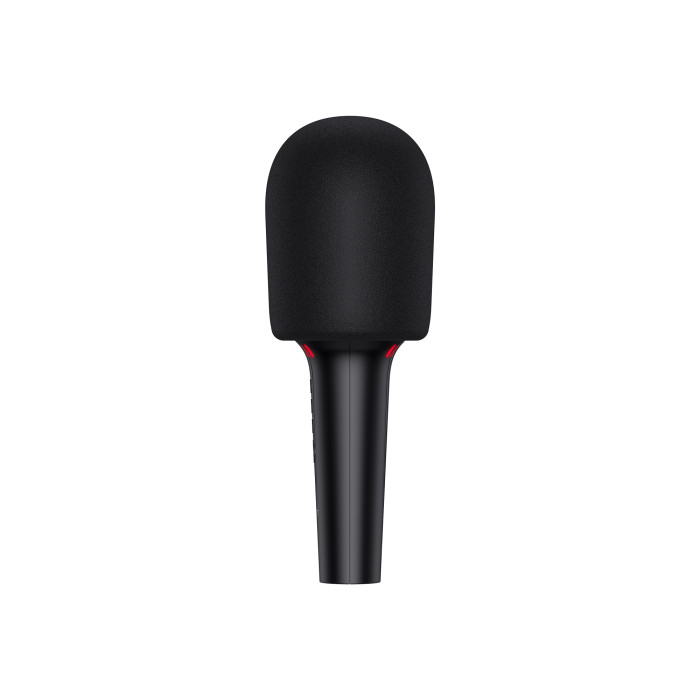


The HAVIT HV-SK851BT 5W Black portable karaoke microphone delivers high-quality audio with a 5W output. It features noise reduction, echo adjustment, and 4 voice modes that can be changed to suit your preferences. The device can be used for karaoke, audio playback, and recording. The speaker can be connected to your devices via Bluetooth or to headphones using an audio cable.
This microphone can play MP3 or WAV audio files from a Micro SD card up to 32GB. You can control the device's settings using the buttons on the body. The microphone comes with a carrying case, an audio cable, a charging cable, a user manual, and a warranty card. 1. Connecting the microphone to other devices2. Controlling microphone functions
2.1. You can select sound effects by briefly pressing the microphone icon, and by pressing and holding it, you activate the noise cancellation function.
2.2. Switch between microphone and echo settings by double-pressing the power button. Adjust the volume using the corresponding buttons on the case. To adjust the accompaniment (backing track) volume, press and hold the volume buttons.
2.3. Switch between audio files by double-pressing the volume buttons. Pause or reverse files by briefly pressing the power button.
2.4. To record audio, install karaoke software on your device, then connect it to the speaker using an audio cable.
Recommendations:
- Charge the device for more than 1 hour before use.
If your device does not charge, try charging with a different 5V, 1A cable.
- If you cannot hear your voice while singing, make sure the microphone is muted, increase the volume, or disconnect the headphone cable from the jack.
- Connect the microphone to a laptop or computer using a dual audio cable (not included) or a USB-C cable.
The product has a 1-year warranty.
There are no reviews for this product.


