Cart
Your shopping cart is empty!
It's never too late to make things right :)



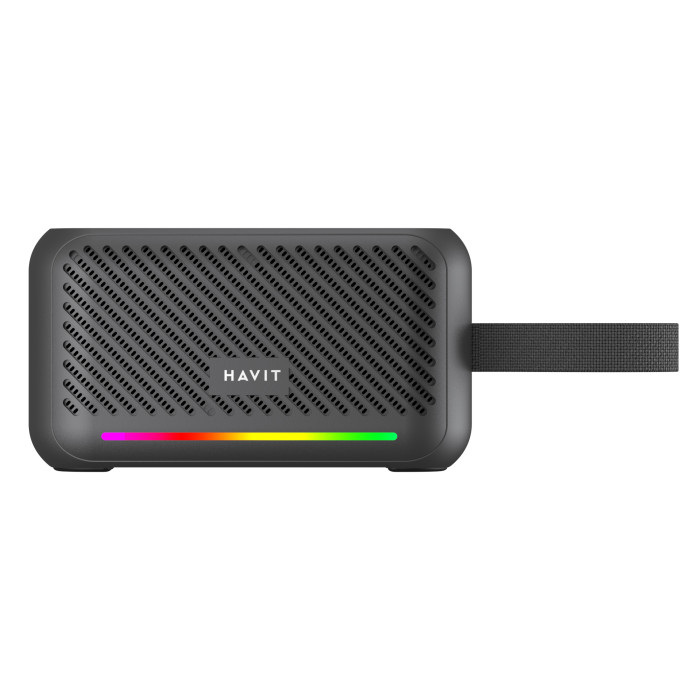
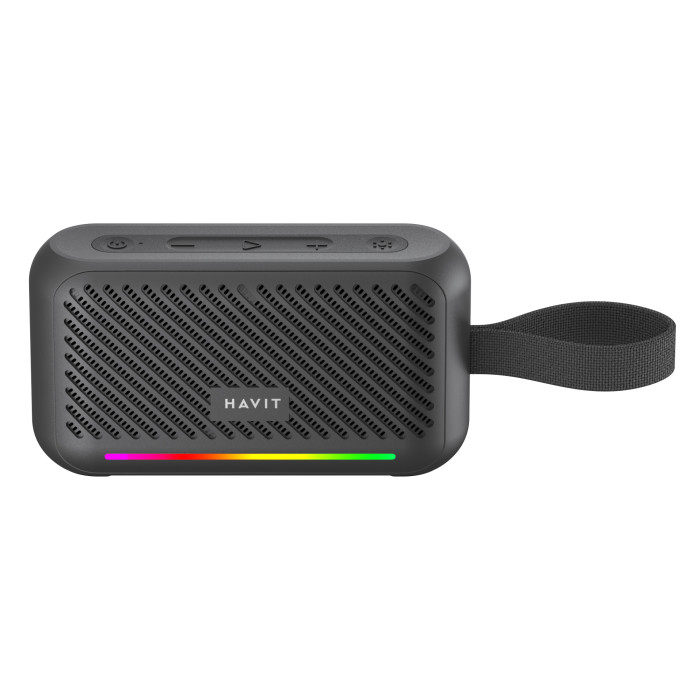
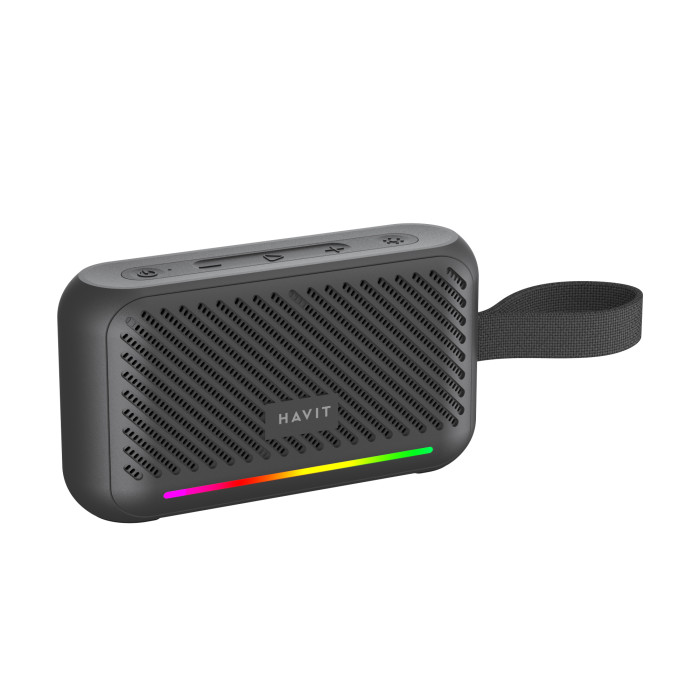


The HAVIT SK876BT portable speaker has a 7W output and clear sound. This model has a long battery life – up to <2 hours!It has an RGB backlight function.
The speaker can operate in both wired and wireless modes. To activate wired mode, simply connect an audio cable with an AUX port. The speaker can play audio from a USB drive or a Micro SD memory card. It also has a radio (FM) function. The speaker can be controlled using the buttons located on the body.
This model is equipped with anti-slip feet, which prevent scratching your furniture or other surfaces and improve the sound by raising the speaker slightly above the surface. A strap makes the speaker easier to transport.
It charges quite quickly – in about 2.5 hours using the included USB-C cable.
The speaker comes with a charging cable, an audio cable (AUX), and documentation. The product comes with a 1-year warranty.
1. CONNECTION
1.1. To turn on the speaker, press and hold the power button for 2 seconds. The indicator will flash blue to indicate that the speaker is ready to connect.
1.2. Turn on Bluetooth on your smartphone and search for devices ready to connect, then select "HAVIT SK876BT". The next time you turn on the speaker, it will automatically connect to the device it last connected to.
1.3. To disconnect the speaker from a device, press the Play/Pause button for 3 seconds.
1.3. To turn off the speaker, press and hold the power button for 2 seconds.
2. PLAYBACK CONTROLS
2.1. To start playing or pause a track, briefly press the Play/Pause button.
2.2. Briefly pressing the + button increases the volume.
2.3. Briefly press the "-" button to adjust the volume downwards.
2.4. To play the next track, press and hold the "+" button for 2 seconds.
2.5. To play the previous track, press and hold the "-" button for 2 seconds.
2.6. To answer a call, briefly press the Play/Pause button. To end a call, briefly press the same button.
2.7. To reject an incoming call, press the Play/Pause button for 2 seconds.
2.8. To call the last number dialed, double-click the Play/Pause button.
2.9. To turn on the backlight, hold the backlight control button for 2 seconds. Switch between the modes of short presses of this button. To turn off the backlight, press and hold the backlight control button for 2 seconds. DSTU 2.10. To clear the list of connected devices, simultaneously press and hold the "+" and "-" buttons for 3 seconds.
2.11. To exit Bluetooth mode, briefly press the "+" and "-" buttons simultaneously.
CHANGING MODES
By briefly pressing the power button, you can switch between Bluetooth, FM, AUX, TF, and USB modes.
RADIO MODE
Connect the USB-C charging cable to the speaker, which will function as an antenna. To enter radio mode, briefly press the power button on the speaker. To start automatic station scanning, press and hold the Play/Pause button. Select the desired station by pressing and holding the + and – buttons.
AUX MODE
The speaker can be used as a wired speaker by connecting the included AUX audio cable. Track switching is not available in this mode.
MICRO SD MODE
After inserting a Micro SD card into the corresponding slot, the speaker will automatically start playing music.
USB MODE
After inserting a USB drive into the corresponding slot, the speaker will automatically start playing music.
TWS MODE
This mode allows you to connect two identical speakers together to create a surround sound effect and enhance the overall sound. First, set both speakers to Bluetooth mode and do not connect it to your phone. Then, double-press the power button on one of the speakers (this will be considered the master speaker). You will hear two voice prompts. The blue indicator on the master speaker will flash, while the blue indicator on the other speaker will remain solid. The speakers will then connect automatically. Next, enable Bluetooth on your smartphone and connect to the HAVIT S K 876BT speaker.
CHARGING
The battery is charged using the included USB-C cable. It is recommended to charge with a wall adapter with an output voltage of DC 5V, 1A. The indicator glows red while charging. When the battery is fully charged, the indicator lights up.
PRECAUTIONS:
1. Do not use in high humidity conditions. 2. Use near heat sources or mechanical damage may cause premature failure of the device. 3. Using the maximum volume level for an extended period may shorten the life of the speaker system and adversely affect your hearing. 4. Do not disassemble the device. 5. Do not use incompatible power adapters to charge the device.
There are no reviews for this product.


