Cart
Your shopping cart is empty!
It's never too late to make things right :)



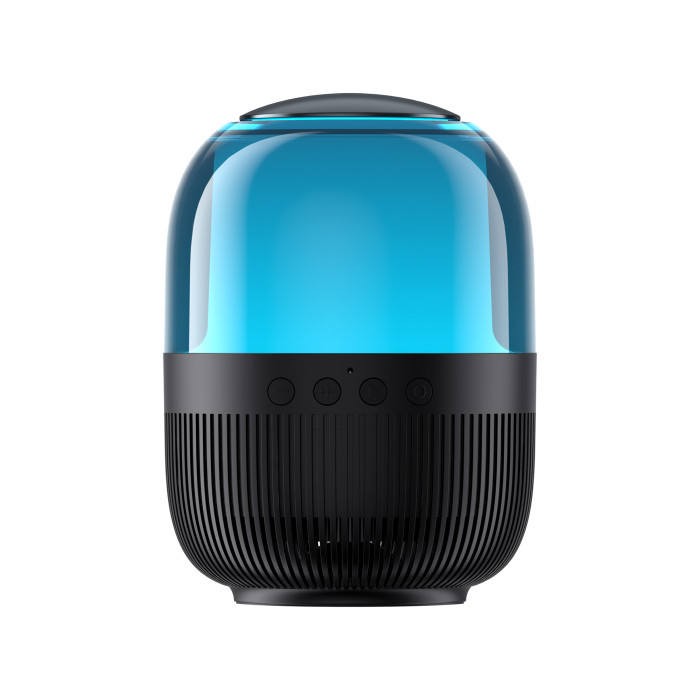


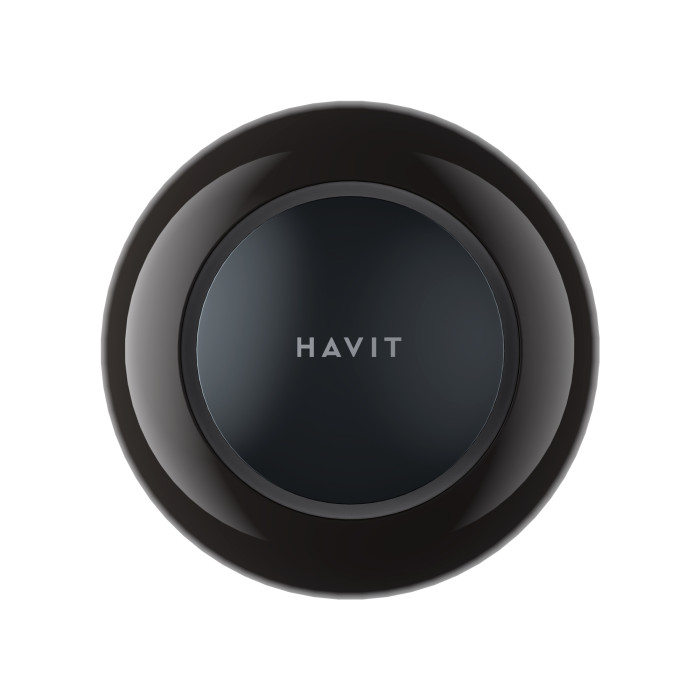

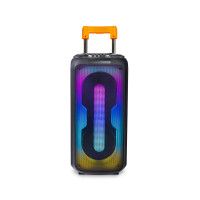
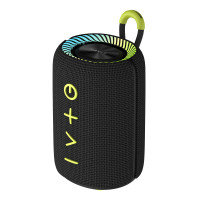


The HAVIT HV-SK889BT 7W RGB Black portable speaker has a power output of 7W. It is compatible with BT, Micro SD, FM, TWS, and RGB.
The battery charges in 4 hours, and its playtime lasts up to 6-8 hours. Its compact size makes it easy to transport. This makes it perfect for taking outdoors, traveling, camping, or to school. The backlight creates a vibrant light show, and with 4 lighting modes, you can customize it to suit your preferences. The backlight covers the entire area (360°) and can change colors. This speaker can also be used as a radio. The package includes a USB-C charging cable, user manual, and warranty card.
You can control the speaker using the buttons on the device.
1. Connecting the speaker to other devices
1.1. Turn on the speaker. To do this, press and hold the power button for 3 seconds. The backlight will flash slowly.
1.2. Turn on Bluetooth on your device, find and connect "HAVIT SK889BT" to your device. After reconnecting, the speaker will automatically connect to the last connected device.
1.3. To turn off the speaker, press and hold the power button for 3 seconds.
2. Music Playback
2.1. To play/pause an audio file, briefly press the Play/Pause button.
2.2. To increase the volume, briefly press the + button, and to decrease the volume, briefly press the - button. Press and hold the + button to play the next file, or the - button to play the previous file.
3. Radio Mode
3.1. Insert the charging cable into the Micro USB port. To enter radio mode, press and hold the Play/Pause button.
3.2. Press the Play/Pause button twice to start automatic station scanning. Press it 2 more times within 2 seconds to stop scanning.
3.3. Select the desired station by pressing and holding the + and - buttons.
4. Managing Phone Calls
4.1. To answer an incoming call, press the power button. Note: By default, calls are answered from the phone itself, so you need to configure certain settings on your smartphone to use this feature. To end a call, press the power button again.
4.2. To reject a call, press and hold the power button for 2 seconds.
4.3. To redial the last number, double-click the power button.
5. Managing Other Speaker Functions
5.1. To set the mode, briefly press the Play/Pause button until you select the desired one (BT, Micro SD, FM). To play audio files from a Micro SD card, simply insert it into the device.
5.2. Briefly press the power button to select the light mode.
5.3. To reset previously connected devices, press "Play/Pause" three times.
6. Connecting two SK889BT speakers (TWS mode)
6.1. Turn on the speakers. Double-click the Play/Pause button on the speaker you want to make the master. You will hear a beep, then wait for a minute. The second beep means the speakers are ready to connect.
6.2. Turn on Bluetooth on your device, find and connect it to "HAVIT SK889BT".
6.3. To exit TWS connection mode, double-click "Play/Pause".
Recommendations and Disclaimers:
- Charge the speaker at a maximum of 5V, 1A using the included USB-C cable.
Battery capacity will decrease over time as a result of using the speaker and charging.
- The power indicator lights red while charging, and the red light turns off when charging is complete.
Avoid spilling liquid on the product.
- Keep the speaker away from heat sources.
- Do not block the device's ports.
- Using the maximum volume level for an extended period may affect your hearing and the lifespan of the device.
Do not subject the product to mechanical damage or disassemble it.
The product is covered by a 1-year warranty.
There are no reviews for this product.